Changing the display currency (e.g. USD instead of €)
Choose your preferred display currency without distorting source and document currencies.
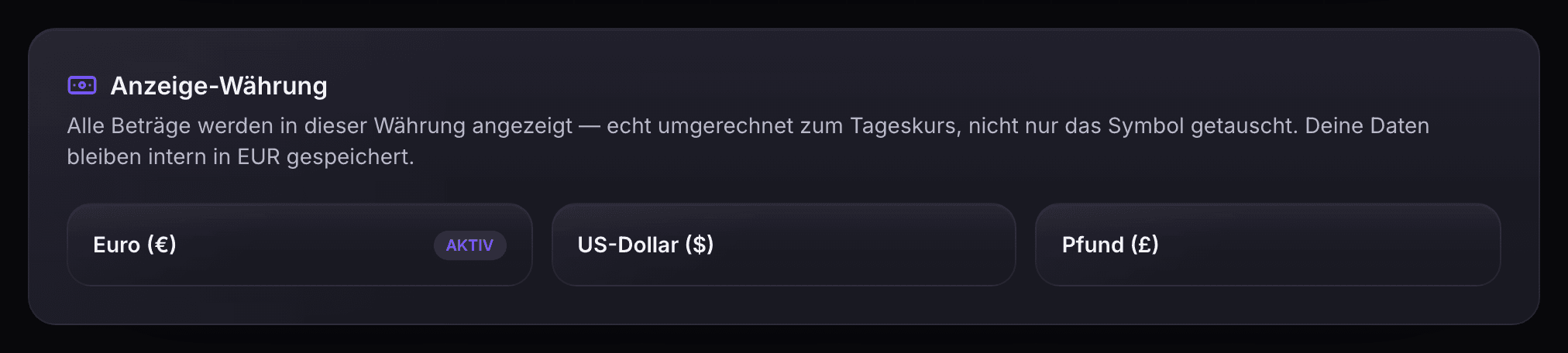
Under Settings → Account → Appearance (“Erscheinungsbild”) you can choose between euro (€), US dollar ($) and pound (£) for EUR-based reports.
How it works:
- Open Settings → Account → Appearance (“Erscheinungsbild”).
- Under “Display currency” choose the currency you want.
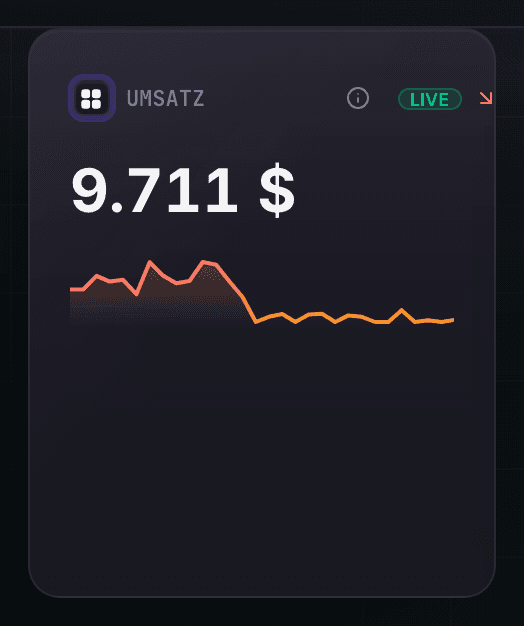
- The page reloads briefly and, provided a reliable rate is available, uses the converted display.
Important to understand:
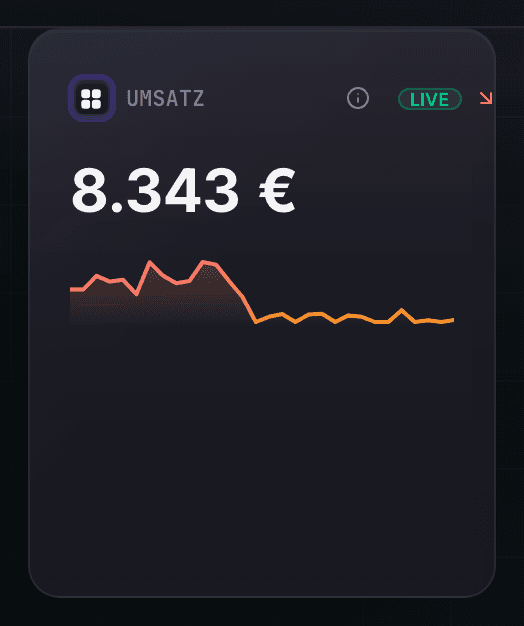
- NorthProfit never just swaps the currency symbol. If no reliable rate exists, the amount stays visible in its actual source currency.
- Shop and order values keep their source currency. With several currencies, amounts are shown separately. Multi-currency consolidation is included from Scale and needs traceable rates.
- Customer invoices keep their document currency. DATEV account reviews and German tax values are shown in the respective professional currency context.
- Daily rates serve operational orientation and do not replace an accounting-grade foreign currency valuation to the cent.
More articles
Understanding the profit report (waterfall vs. P&L)
From gross revenue to net profit in 7 steps, and why the waterfall is the more honest view.
Customising the dashboard
Show only the tiles you really need. From Growth, your own dashboard settings are also stored in your account.
MER vs. blended ROAS vs. ROAS: what is what?
Three different metrics, three different statements, plus the ROAS at the profit threshold. Which one you need when.
Choosing a comparison period (previous period or previous year)
Compare your metrics with the previous period or the same period last year, as you prefer.