Connect a Shopify shop
Permissions, the connection and the first data sync.
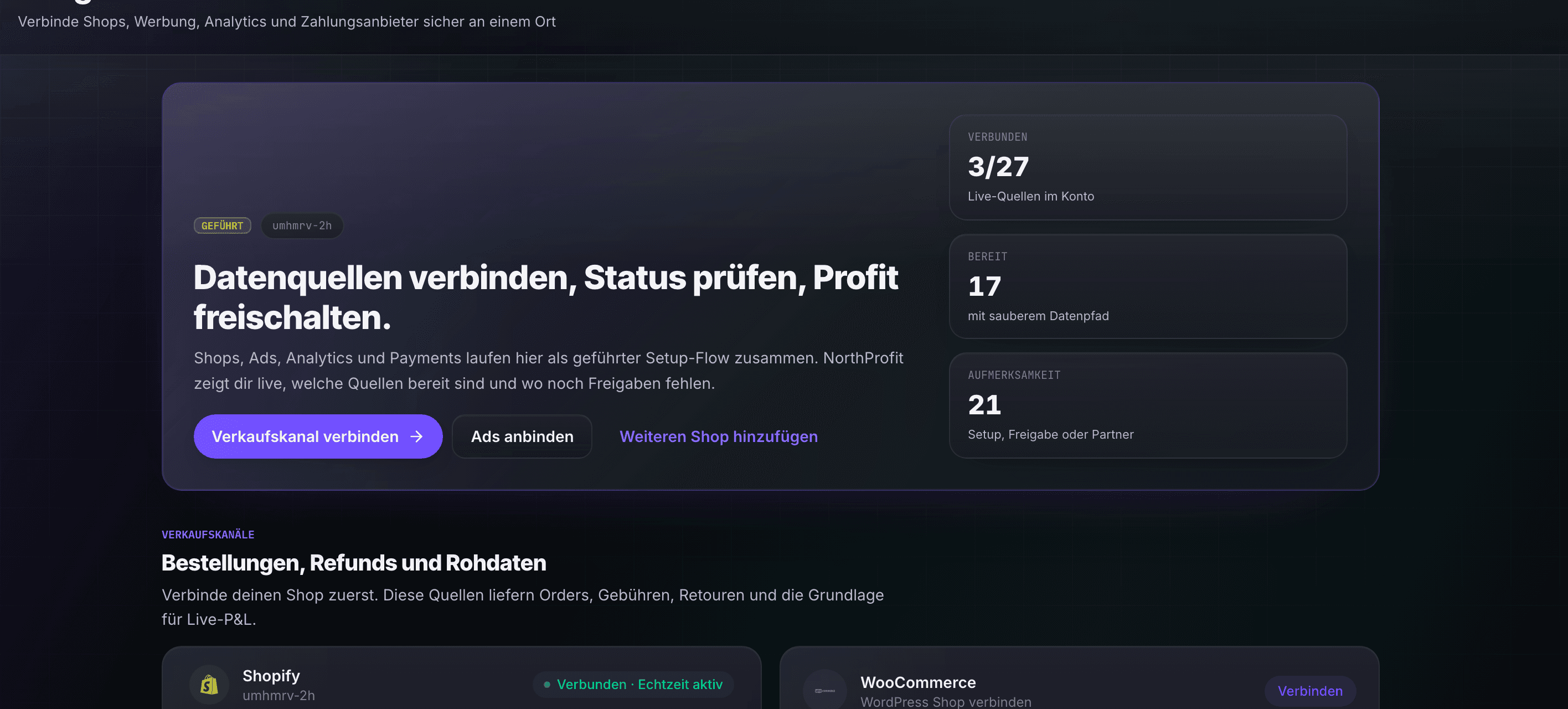
The publication of NorthProfit in the Shopify App Store is still pending. New Shopify merchants cannot currently install NorthProfit through the App Store. Existing installations keep working. After publication the installation starts in the Shopify App Store; there you review and confirm the requested permissions.
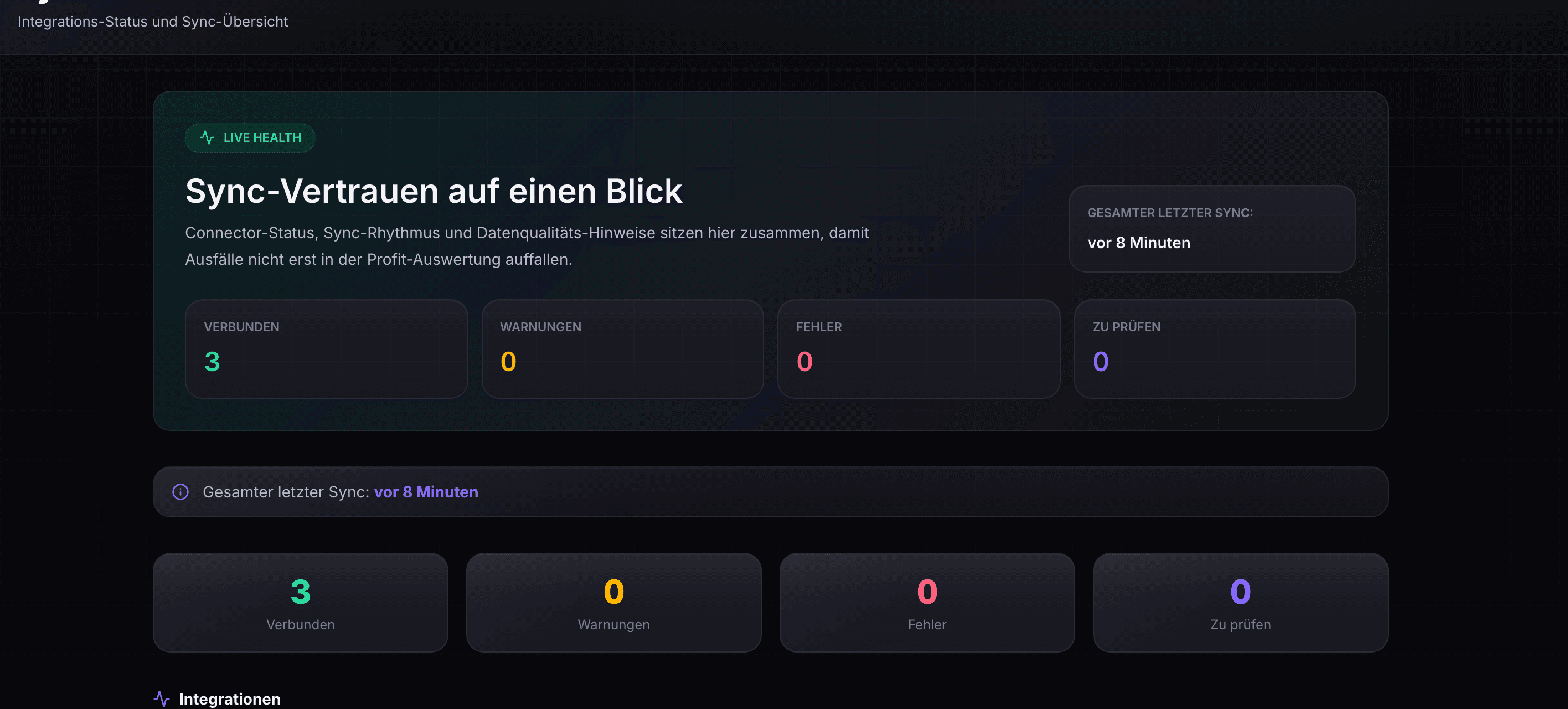
The first data sync then runs in the background. Its duration depends on data volume, the history released, platform limits and permissions. You can follow the progress under Connections (“Verbindungen”, bottom of the sidebar); NorthProfit only shows real metrics once the source data they need is available.
More articles
What happens after the shop connection?
First data sync, derived reports and ongoing updates, without blanket time promises.
Connect Meta Ads (Facebook/Instagram)
Business account, ad account selection and pixel ID.
Connect Google Ads
Choose the account and read in conversion data.
Connect a WooCommerce shop
One click via your shop URL, or manually with a REST API key from the WordPress backend.
Connect Stripe: real fees instead of estimates
One click, then NorthProfit imports your payouts and the real processing fees.
Connect Klarna: payouts & real fees
Enter API credentials from the Klarna Merchant Portal, choose the region, test, and replace the fee estimate.